Xnote: a self-hosted personal notes system
Xnote is a self-hosted note system in Python: notes, a file manager and everyday tools in one web app. GPL-3.0, on your own machine, updated since 2016.
Project facts
GitHub Ecosystem- License
- GPL-3.0
- Language
- Python
- Stars
- 170
- Data checked
- 2026-09-30
Snapshot figures reflect the check date and may change over time.
Notes kept in someone else’s cloud are easy to reach and easy to lose: shutdowns, price hikes and export limits are all decided somewhere else. Xnote pulls that data back to your own machine — a personal note system written in Python that puts notes, a file manager and a toolbox of small utilities behind one web UI, on Windows, macOS or Linux, at home or on a cloud server. It has been worked on since December 2016, with the latest commit on September 30, 2026, and it sits at 170 stars on GitHub as of that same date — a quiet project, not a popular one, which is exactly why the maintenance record is the interesting part. That record shows up in the plugin system: a plugin can listen to five kinds of messages (notes, reminders, files, time, system) and place its own entry into pages like notes or files through a category attribute. The WeChat account 源码部落 recommended it on October 1, 2026, in a post about notes that no longer fear “the cloud running away”.
Core features
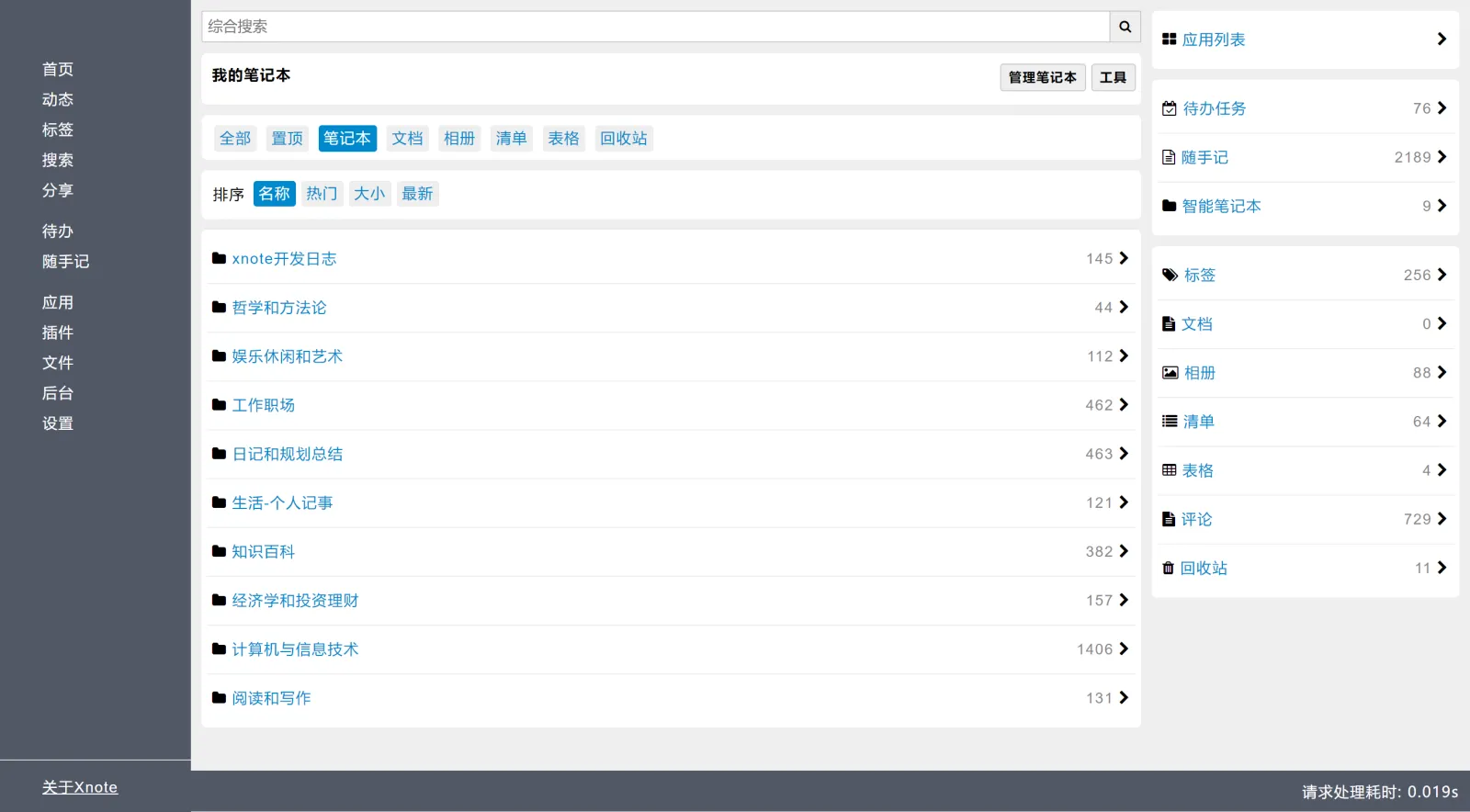
Xnote stacks three layers: notes, files and tools.
- Multiple note formats: markdown, table, album and list notes, organized through notebooks, tags, pins and related notes; a Share action in the note’s More menu hands a single note to logged-out readers, while logged-in users can comment underneath.
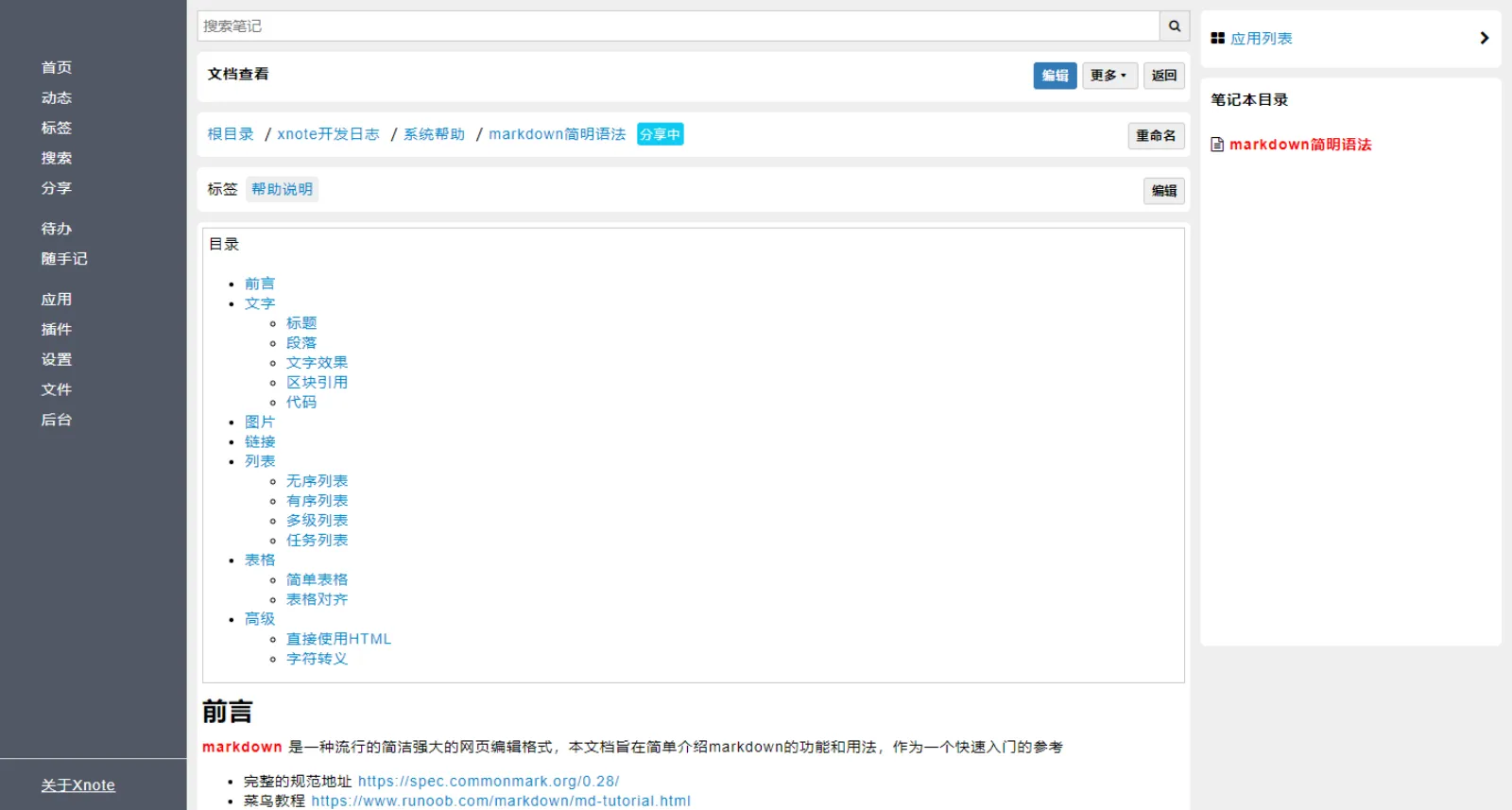
- Revision history: every edit is saved, so a botched rewrite can be rolled back to an older version.
- Search and stats: search spans the whole knowledge base or narrows to one project; the system also tracks recent and frequent access stats.
- File manager: list and grid views, with a code editor, text reader, binary viewer and content search built in; downloads resume after an interruption, and the README notes uploads tested with 1 GB files.
- Toolbox: pydoc, text diff, password generator, base64 and md5 encoding, base conversion, barcode and QR code generators, image merge, split and grayscale — small web utilities that ship with the app.
- Plugin system: when nothing built-in fits, docs/plugins.md walks you from an official template to your own extension that listens for messages and registers its entries.
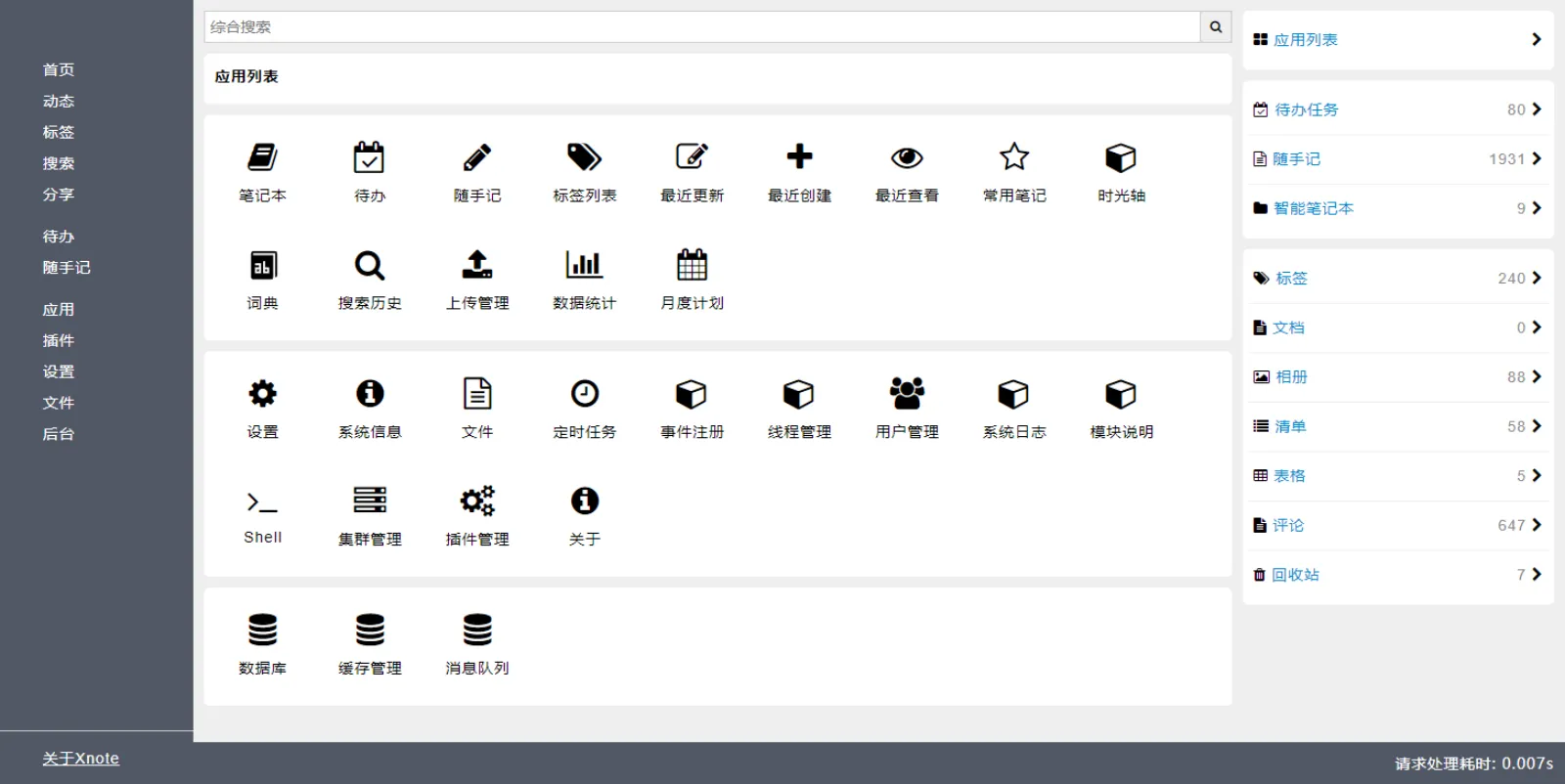
The app list page shows how much ships in the box — beyond notes and todos there are files, scheduled tasks, plugin management, a shell and database entries.
Typical use cases
The natural home for Xnote is a machine that stays on.
- A private setup on an old PC, NAS or Raspberry Pi: markdown for knowledge, albums for photos, lists for todos, data that never leaves the house.
- A developer’s side bench: snippets and API docs in markdown, stray logs tossed to the text or binary viewer, with diff and encoding tools one click away in the same dashboard.
- Two or three people sharing one machine: small-scale multi-user is supported with one account each; the README itself asks for caution in commercial multi-user scenarios.
Quick start
Xnote’s minimal physical-machine install (SQLite) is three steps — dependencies, config, launch:
python3 -m pip install -r config/requirements.min.txt
cp config/boot/boot.min.properties boot.local.properties
python3 app.py --config boot.local.properties
Open http://localhost:1234/ once it starts; the initial admin account is admin with the password 123456, and changing that is the first thing to do. Windows installs dependencies from config/requirements.win.txt, macOS and Linux from config/requirements.txt; there is also a docker-compose path — create a data directory, copy boot.default.properties, then run docker-compose up -d.
Summary
Xnote suits people who want their notes on their own disk and don’t mind an afternoon of setup: one always-on machine with Python 3.6 or newer buys a private dashboard combining notes, files and tools. It does not suit teams shopping for a collaboration platform — the README states plainly that large-scale multi-user and collaboration features are out of scope.
The honest caveats: GPL-3.0 is copyleft, so redistributed modifications have to be open-sourced under the same license; at 170 stars (as of 2026-09-30) this is a one-maintainer-scale project with no company behind it, so expect to lean on issues and the Chinese-language docs/ folder when something breaks; the UI is utilitarian rather than polished; and the default SQLite storage is single-machine scale, though the db_driver setting can switch to MySQL or LevelDB. Backups have two layers: the app only tracks per-note revision history, while the db/ and files/ directories need a routine of your own — and once db_driver moves to MySQL, Databasus, a self-hosted backup manager covered on this site, can take over scheduled backups and restore verification. A Gitee repo mirrors the project, and the xnote-web package on PyPI targets modular secondary development.